%20{%20.v%20{%20fill:%20%23edeef0;%20}%20.cursor%20{%20fill:%20%23ff4d5e;%20}%20}%20%3c/style%3e%3cpath%20class='v'%20d='M4%2014h10.5L22%2039.5%2029.5%2014H40L28%2050H16Z'/%3e%3cpath%20class='v'%20d='M42%2014h33v9H63v27H54V23H42Z'/%3e%3crect%20class='cursor'%20x='78'%20y='45'%20width='18'%20height='5'/%3e%3c/svg%3e)
Using itIn the terminal: overview
Overview
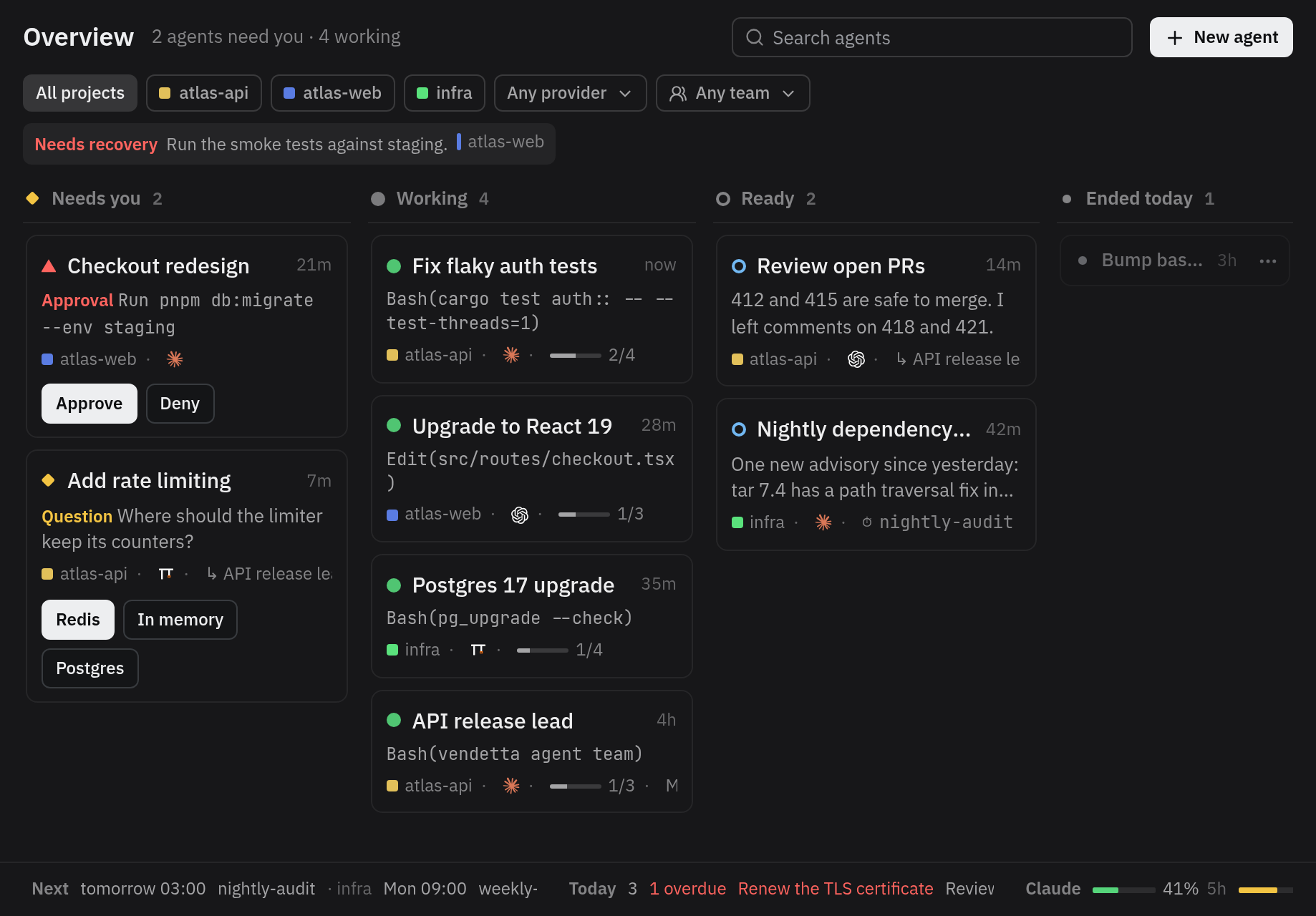
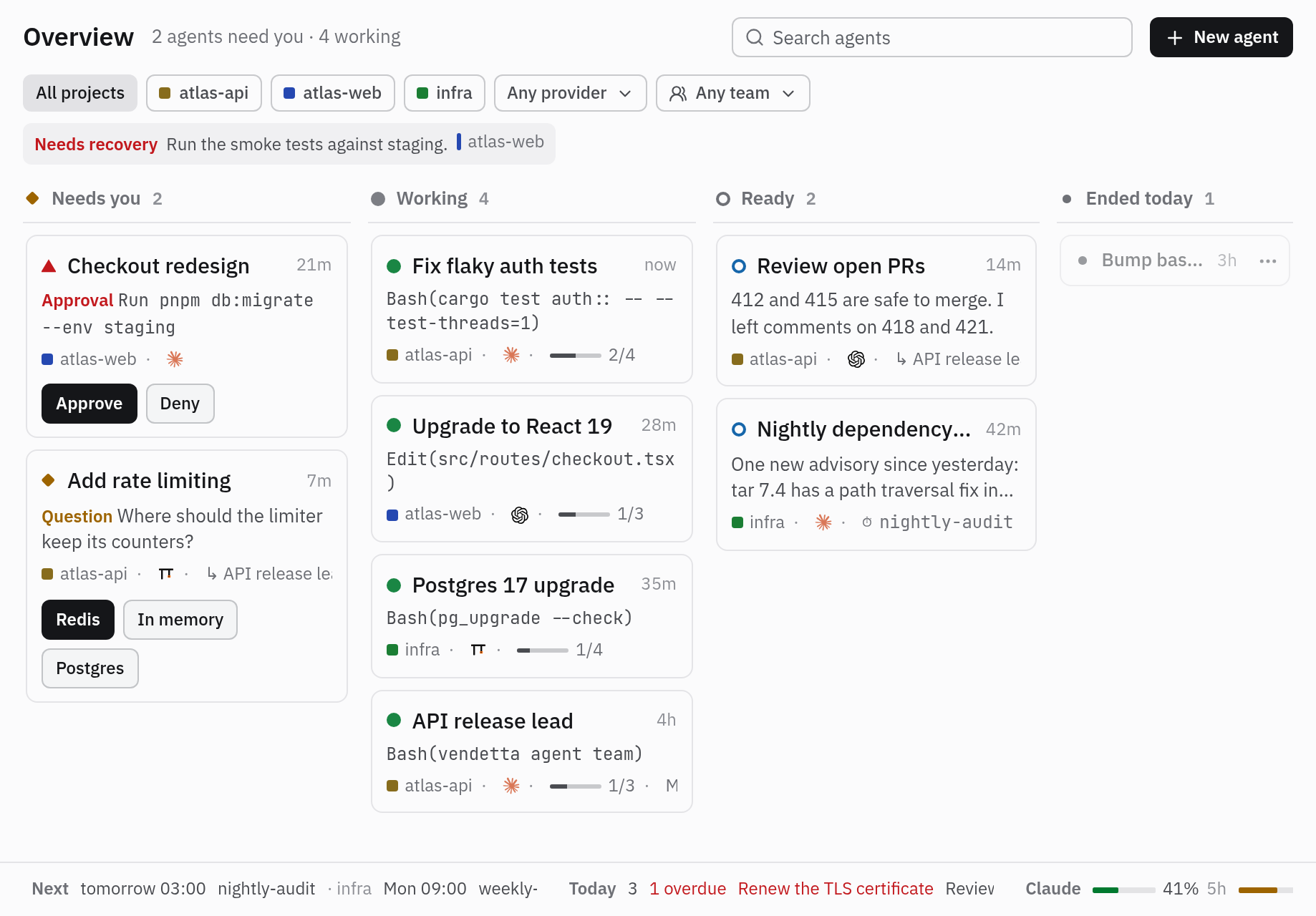
The overview shows your agents as a dashboard of four lanes: Needs you (a
question or an approval, the longest waiting first), Working, Ready, and Ended
today. Press w in the chooser, or Alt+w in tmux to open it in a popup.
It is the dashboard plugin’s page, which the chooser, the web client, and the
iPhone app each draw with their own pieces.
Each card shows the agent’s title, what it asks, does, or last said, its project’s colour, its provider, its team, the schedule that started it, and how long ago it last changed. The header says how many need you and work, and holds the search; under it, the filters narrow the lanes by project, provider, or team, and notices list schedules that failed and project files that wait on you. Along the bottom, the strip shows the next scheduled runs and today’s tasks. Below 100 columns, one lane shows at a time under tabs with their counts.
Other plugins’ pages sit beside the overview as tabs along the top. A page opens on its first card, else its first notice. A page without lanes, such as Changes, scrolls as one column: the arrows move through its rows and, in a diff, line by line. Esc goes back through the pages opened from others.
| Key | Action |
|---|---|
| ↑/↓, j/k | The previous or next card in its lane, or what lies above or below |
| ←/→, h/l | The card at the same place in the next lane that has cards; narrow, the next lane |
| Home / End, PageUp / PageDown | The lane’s first or last card / five cards on; on a page without lanes, its top or bottom / a screenful |
| Enter | Open the agent’s pane; an ended agent’s history entry, to restore it; a notice’s schedule or project, a button, or a strip part; fold or open a diff’s file |
| 1–9 | Answer the selected card’s question by its option, or its approval: 1 approves, 2 denies |
| / | Search the page; Enter keeps the search, Esc clears it |
| f | The filters: Enter or Space picks an option, Ctrl+u clears them all |
| i | Message the agent, with the same guards as the apps |
| S / x / s | Stop it / close its terminal (an agent outside tmux has none) / schedule it, confirmed as in the tree |
| R | Rename the agent; every app shows the name |
| d | Mute or unmute the agent (muted agents show nf-fa-bell_slash, fallback ⊘) |
| a, Menu, Shift+F10 | The card’s actions menu, each item with its key if it has one: Interrupt (only while it runs), Open, Message, Rename, Schedule, Project color, Mute or unmute, Stop, Close, then the plugins’ chat menu items, such as Changes, then the page’s own, such as Show team |
| ←/→ on a diff’s file, ] / [ | Fold it / open it; the next / previous file |
| m, M | Mark the selected diff line or file for its agent (on a line, move to take more, then m again for the note) / send the marks with a message (Changes) |
| c | Choose the card’s project colour: arrows move between the 12, Enter applies it everywhere, Esc keeps the old one |
| Tab / Shift+Tab | The next / previous plugin page |
| ? | The overview’s keys |
| Esc, q, w | Clear the search, then back to the page this one opened from, or close the popup |
A question with one pick and no more steps, or an approval, shows its answers on its card when selected; anything else opens in its pane. With the mouse, click to select, click a selected card to open it, and right-click a card for its actions.
In the apps
Section titled “In the apps”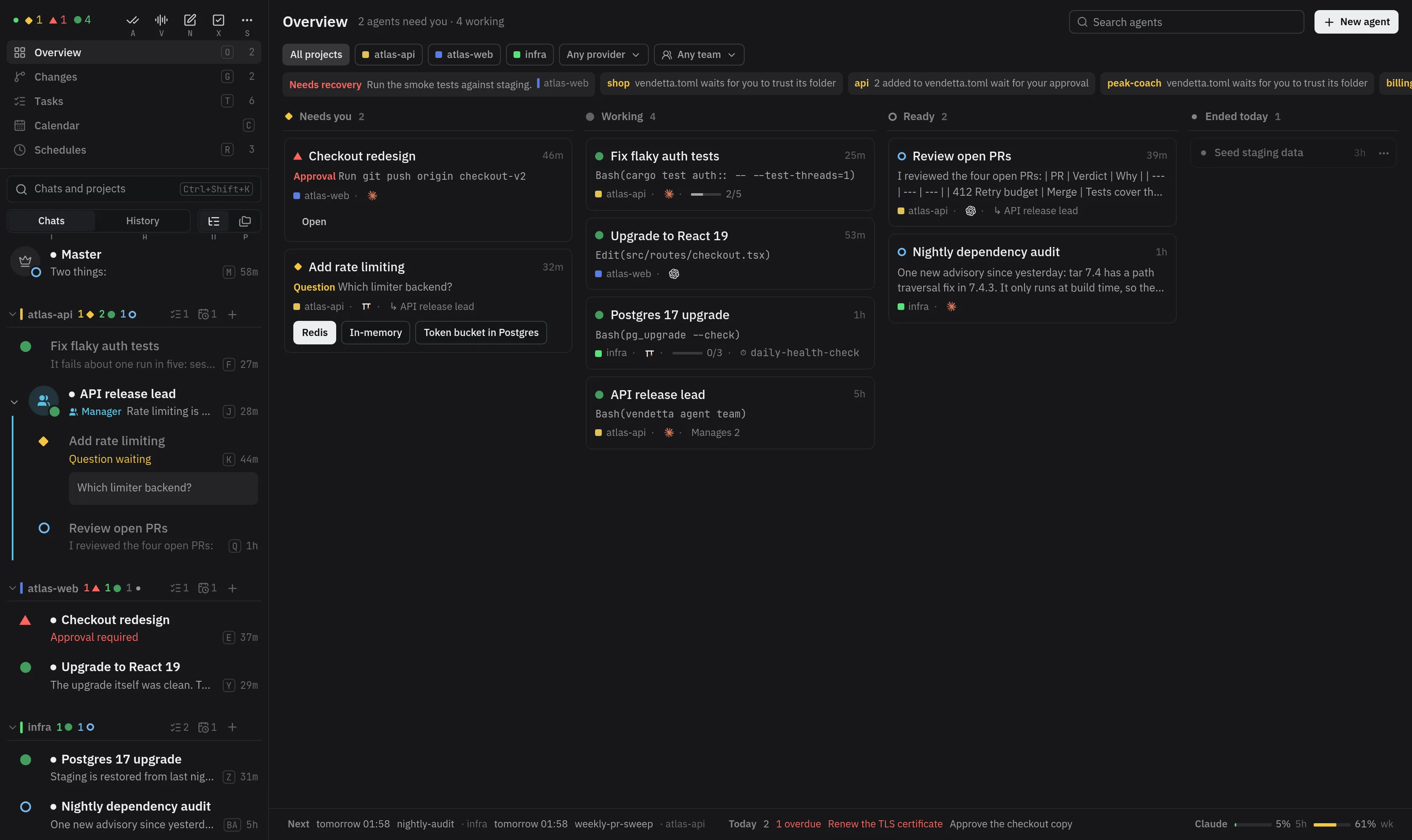
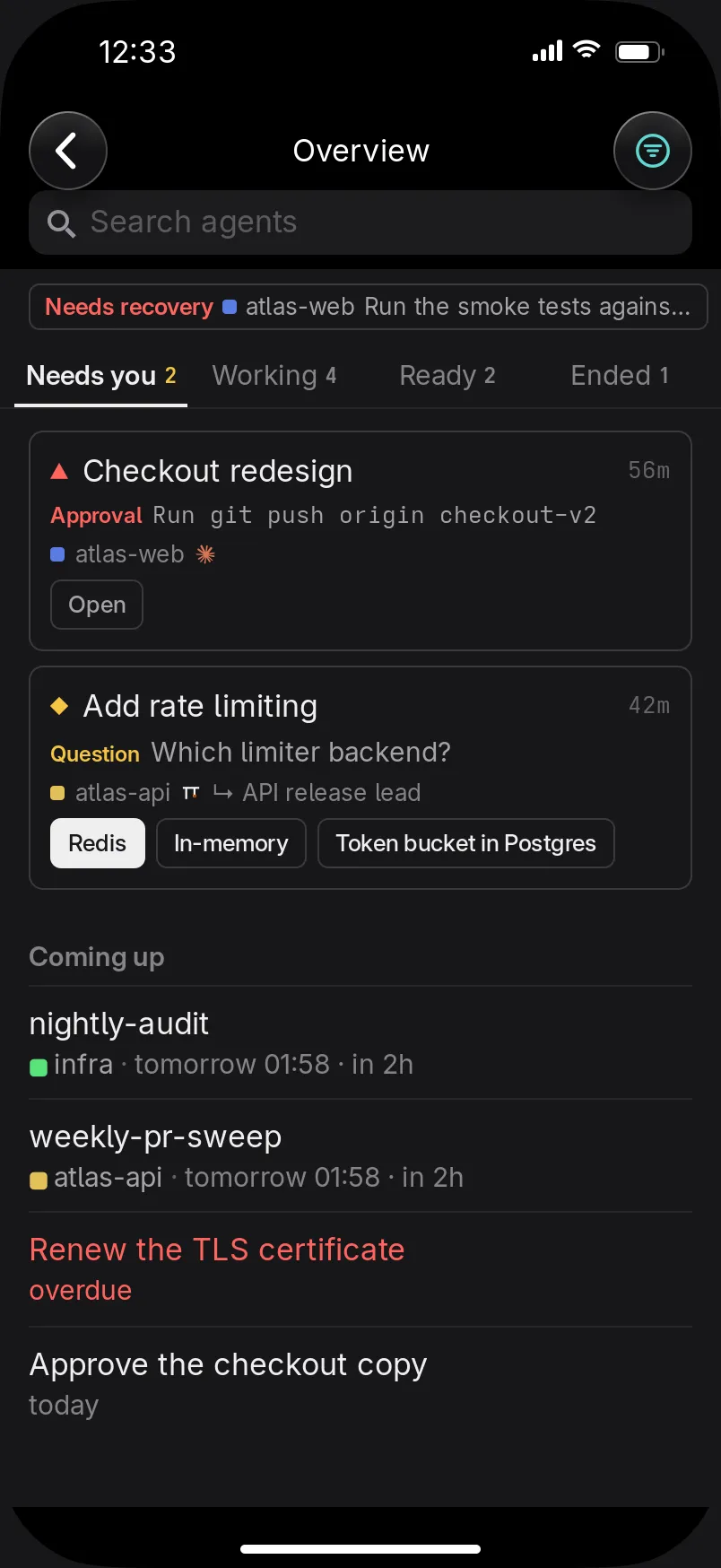
The web client with no chat open, and the iPhone and iPad apps’ Overview, show your agents as a dashboard of four lanes: Needs you (a question or an approval, the longest waiting first), Working, Ready, and Ended today. An agent moves to its lane by itself as its state changes. Each card shows the agent’s title, its question, approval, tool call, or last reply, its project’s colour, its provider, how far it is through its Progress, its team (Manages N, or its manager), the schedule that started it, and how long ago it last changed.
Answer a question or approve and deny right on its card; a question with more steps or a note opens its chat. Click or tap a card to open its chat; hover (or hold, on iPhone) for its other actions. Narrow the lanes by project, provider, or search. The strip along the bottom shows the next scheduled runs, today’s tasks, and usage.
On the web, ←/→ move between lanes and ↑/↓ between cards, Enter opens the
chat, / searches, 1–3 pick an option of a question in focus, and a/d approve or
deny. On an iPhone the lanes are pages: swipe between them, or tap their
names; Coming up, at the end of Needs you, lists the next runs and today’s tasks.
The Overview comes from the dashboard plugin ([plugins.dashboard], in the example
config). With it off, the web client opens on the chat list, and the chooser’s overview
says to turn it on.