%20{%20.v%20{%20fill:%20%23edeef0;%20}%20.cursor%20{%20fill:%20%23ff4d5e;%20}%20}%20%3c/style%3e%3cpath%20class='v'%20d='M4%2014h10.5L22%2039.5%2029.5%2014H40L28%2050H16Z'/%3e%3cpath%20class='v'%20d='M42%2014h33v9H63v27H54V23H42Z'/%3e%3crect%20class='cursor'%20x='78'%20y='45'%20width='18'%20height='5'/%3e%3c/svg%3e)
GuidesShare with a friend
Share a project with a friend
Add a friend as a person on your computer, run a project in a container, and share it so you both prompt its agents from your own phones.
This guide is for the adminAdmin. The person who installed Vendetta and runs it. People are added under the admin's account.: the one whose computer runs Vendetta. You add each friend as a personPerson. Someone the admin adds. They get a Vendetta of their own on the same computer, with their own chats and paired devices., put the project in a container, and shareShare. Giving another person on the same computer a whole container project. it. Each of you then prompts and answers the same agents from your own app.
The examples follow Dessi, who runs trail-maps, a hiking route app, on her computer
for Tom and Rui. Send each friend You’ve been invited.
Set it up
Section titled “Set it up”Prepare the computer, once
Section titled “Prepare the computer, once”People’s projects always run in containers, in your rootless Podman, under your
account. Nothing needs sudo after this:
-
Install rootless Podman.
-
Run
loginctl enable-linger, so their Vendetta keeps running when you log out. -
Turn on the Tailscale plugin, which serves each person’s address on your tailnet:
# ~/.config/vendetta/config.toml [plugins.tailscale]sudo tailscale set --operator=$USER # once, so the plugin can serve as you -
Turn on container projects and the Claude proxyClaude proxy. The plugin that serves the admin's Claude login to machines through a socket, so no token is ever inside a container.Claude proxy. The plugin that serves the admin's Claude login to machines through a socket, so no token is ever inside a container., which serves your Claude login to containers without copying it into them:
[machines]
runtime = "podman"   # or "docker", for your own projects

[plugins.claude-proxy]
Add each friend
Section titled “Add each friend”In the app or the web client, open Settings, then People, and choose Add
person. Fill in Name (lowercase, such as tom) and Display name (what the
others see, such as Tom). The app shows each step as your worker runs it.
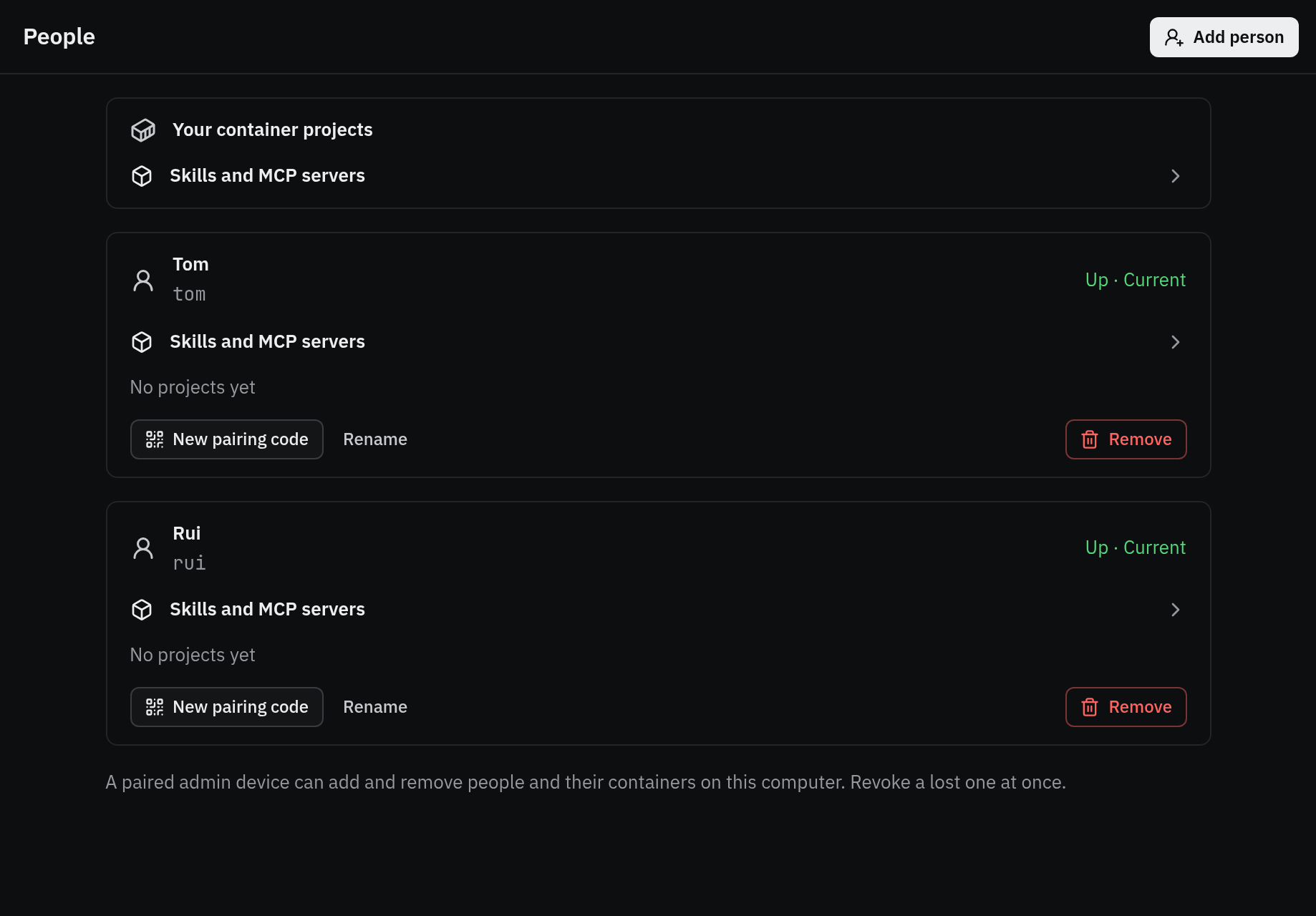
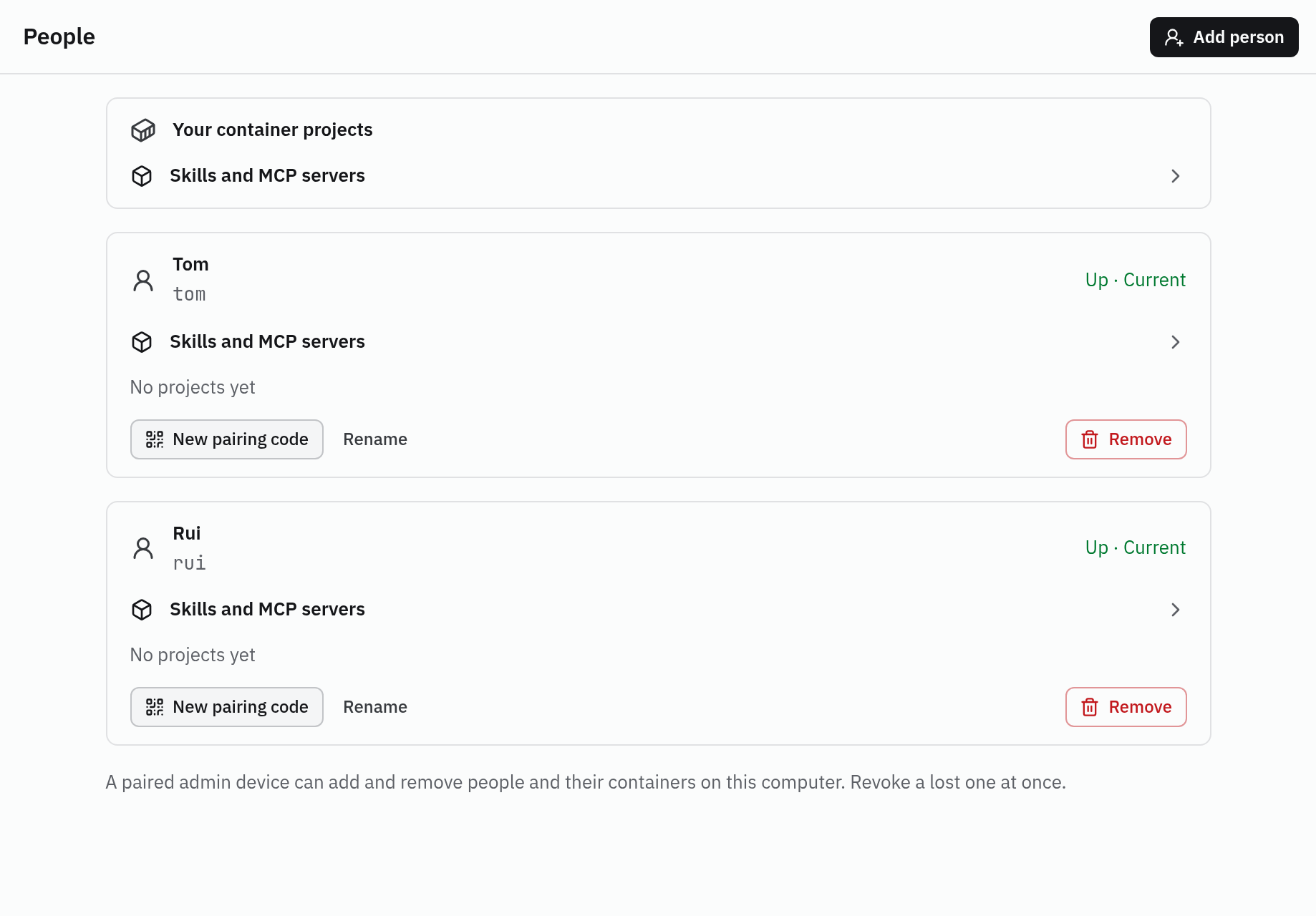
From a shell, the same is:
vendetta instance add tom --display-name "Tom"
vendetta instance add rui --display-name "Rui"Each friend now has a Vendetta of their own on your computer: their own chats, paired devices, and container projects. You never see their chats, and they never see yours, apart from what one of you shares.
Let them reach your computer
Section titled “Let them reach your computer”A friend’s phone must reach your computer over your tailnetTailnet. A private network between your own devices, made with Tailscale.Tailnet. A private network between your own devices, made with Tailscale.. In Tailscale, either invite them to your tailnet or share this one machine with their Tailscale account. They install Tailscale on the phone and sign in.
A friend who reaches the machine through a share, and is not a member of your
tailnet, connects at the port address, such as
https://workstation.example.ts.net:8744/.
Send the pairing code
Section titled “Send the pairing code”Adding a person ends on Pair NAME: a QR code, the pairing code, and the Web address of their web client. Send them the code and the address. The code works once and expires; New pairing code on their row makes another, as does:
vendetta instance pair tomA friend with an iPhone installs the app from the TestFlight link on vendetta.sh/install and scans the QR code or types the code. Anyone else opens the web address in their phone’s browser.
Put the project in a container
Section titled “Put the project in a container”Open New project and start from Empty, Clone URL, or Existing folder; or open an existing project and choose Run in a container. The steps show as they run. The first one builds the image, which takes a few minutes.
vendetta machine project add --existing ~/projects/trail-mapsThe agents work on a private clone inside the container, never your checkout. Bring
their branches into your repository with vendetta machine fetch trail-maps.
Container projects run Claude Code only.
Share it
Section titled “Share it”On the project’s screen choose Share (on iPhone, Share… in the project’s menu). Pick the person and confirm. Repeat for the second friend.
vendetta share people                         # who you can share with
vendetta share project trail-maps --with tom
vendetta share project trail-maps --with ruiA share covers the whole project: every conversation in it now and later. Only container projects can be shared.
Work in it together
Section titled “Work in it together”The project appears in each friend’s app, marked with your name. In it, each of you can:
- prompt any agent, with text, a voice note, or a photo;
- answer its questions;
- interrupt a turn, and resume an ended conversation;
- start a new agent.
Each message shows who sent it, as From Tom. The agent is told the sender’s name on every prompt, so it can answer that person.
A message that mentions someone with @Name is a note between people. The composer
says so: only people see it, and it never reaches the agent.
On an iPhone, a friend can also send from the share sheet: pick a photo in Photos, choose Vendetta, then the chat.
What stays with you
Section titled “What stays with you”- Stopping, deleting, and renaming agents in the project. A friend who tries is told only the person who shares the project can.
- Teams and schedules in the project.
- The Claude login. The project’s agents run in your container on your login, so
your friends’ prompts count against your plan’s limits. Their own projects can use
their own Claude account: add them with
--claude-login own, or turn off Claude under Takes from you on their row in People.
Agents in a container never ask for approval; the container is the boundary. Share only a project whose agents you would let run unattended.
Agents in a container also can’t sound alerts or timers on anyone’s phone, and their videos and audio arrive as links. See What differs from local agents.
When your computer is unreachable
Section titled “When your computer is unreachable”Your friends’ apps keep the last state they received and say your Vendetta is not reachable. Agents refuse input until the link is back, and nothing is queued or repeated.
End a share
Section titled “End a share”Open Share on the project and remove the person, or:
vendetta share list          # shares you gave and received, with their IDs
vendetta share remove IDThe project’s chats leave their devices at once. A turn they started runs on. A friend can also leave a share themselves, with Leave in the project’s menu.
To remove a person altogether, with their Vendetta and their own projects, use
Remove in People or vendetta instance remove NAME. See
People.